An AI mentor for every employee
Socrates interviews each person, builds them a small stack of AI tools their company has approved, and coaches them on their own screen until they can use it unaided.
Which tool should I use to turn this call into a follow-up?
Is it safe to put a client document into this?
I tried it once and it made things up. What did I do wrong?
Small questions, asked in the moment, that nobody wants to raise a ticket for.
20 tools in the catalog. Socrates recommends from the ones your company has approved.
Three ways your team gets smarter with AI
Pick the right tool
For people lost in the AI tool sprawl
Claude or ChatGPT? Notion AI or Granola? Socrates knows your stack and tells your team exactly which tool to reach for, and why.
- Stack-aware recommendations
- Side-by-side comparisons
- Cost & privacy guidance
- Updated as new tools land
Answer every question
For the moments people would rather just ask
Stuck on a prompt? Unsure whether a tool is safe for client data? Socrates is one message away inside the workspace — it knows the person's own stack and what their company has approved.
- Knows the person's own stack
- No question too small
- Answers grounded in what's approved
- Confidential by default
Teach it properly
For the tools nobody reads the documentation for
One tool, one real task, talked through out loud on the person's own screen. It shows them once, then makes them drive. The session ends when they can do it unaided.
- One capability per session
- Taught on their real work, not a sample file
- Paced to each person
- Ends when they can do it alone
A workspace for every team, a guide for every person
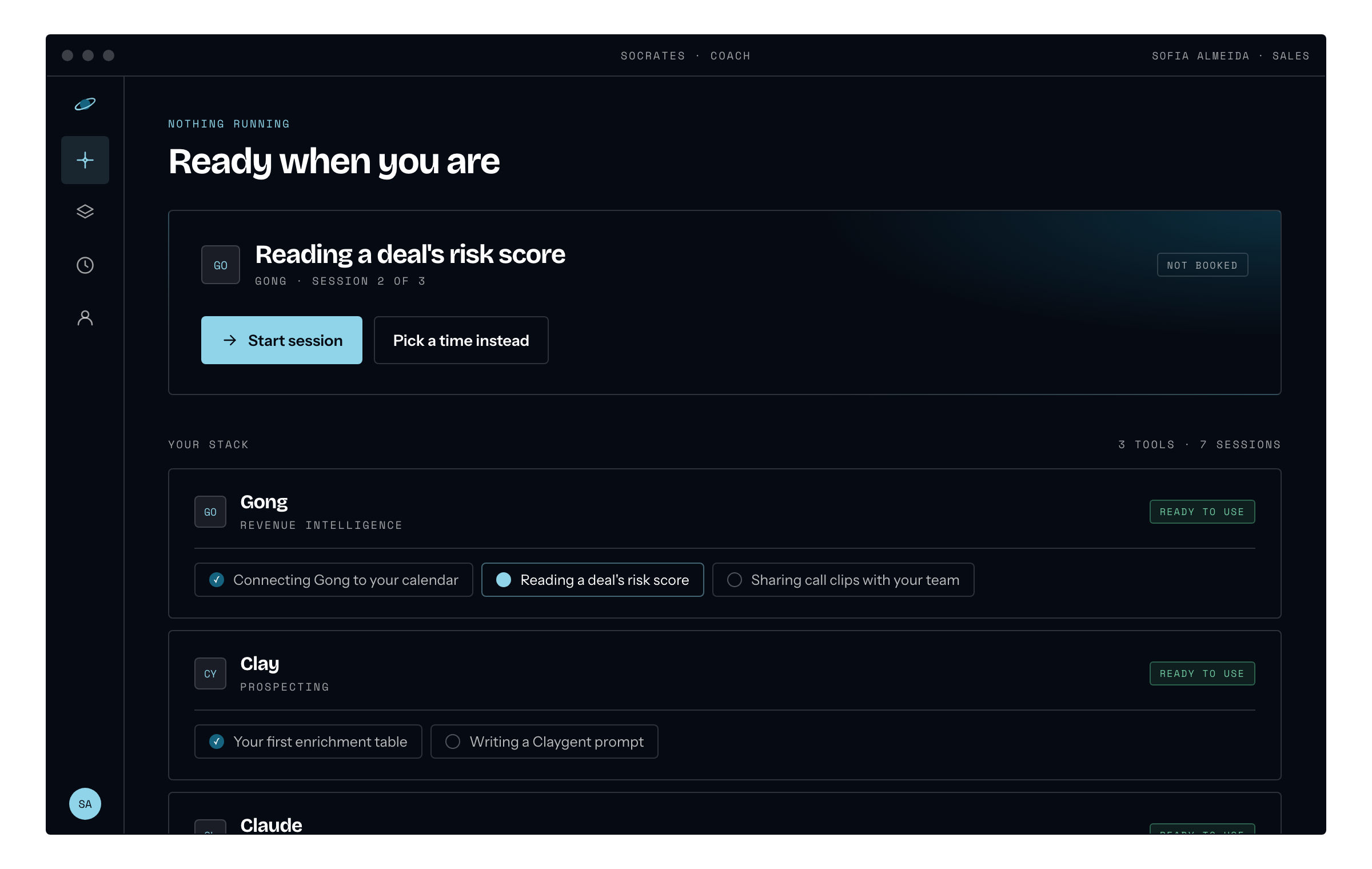
The desktop app — what is next, and the stack behind it
Join the workspace
An invite lands in their inbox. One link, no password to invent, and they're inside their team's workspace.
Get interviewed
A real conversation about the work — what they repeat, what they dread, what they quietly avoid. It takes half an hour and it shapes everything that follows.
Receive a tailored stack
Socrates proposes a personalised toolkit — a grading helper for a teacher, a recap writer for an AE. The workspace chief reviews it and passes it up; the admin has the final say.
Learn it for real
If the tool is new to them, Socrates walks them through it — staying in the workspace as their go-to advisor for every follow-up question.
Nothing lands on a desk you didn't approve
Socrates recommends. Your people decide. Every tool in every stack passed two humans before anyone opened it.
The workspace lead sees the recommendation and the reason for it, and approves or sends it back with a note.
Final say sits with the admin. One sanctioned list across the company, not forty people improvising.
It appears in that person's stack and in their workspace feed, so their team can see what is already cleared.
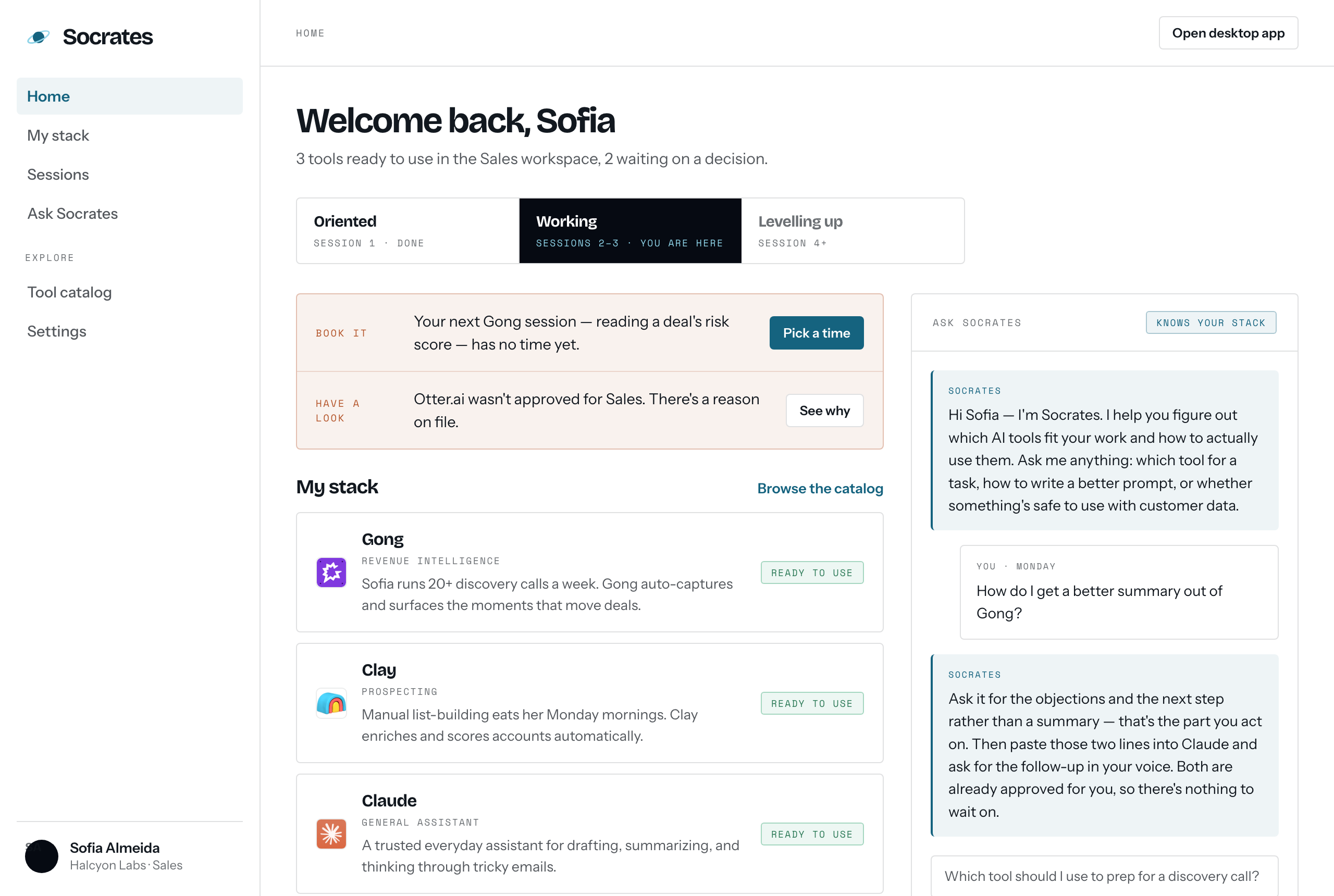
The workspace — what is cleared, and what is still waiting
We walk you through it, on your own screen
Reading instructions teaches nobody. Socrates watches your screen and talks you through the real task out loud, one step at a time — you do every click yourself. The session ends when you can do the job unaided.
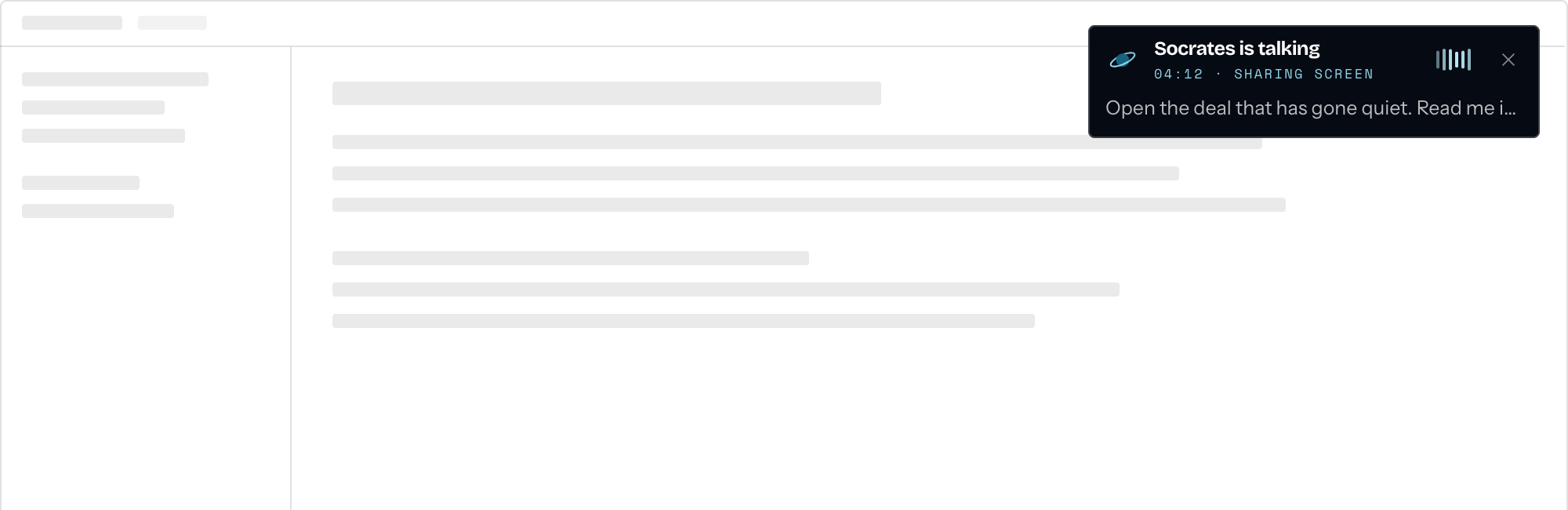
The coaching panel, over the person's own work
Most people stall before they start.
Which tool, which prompt, is this allowed — asked and re-asked by everyone, every week, and usually abandoned halfway. The tools are paid for and barely touched.
The deciding is already done. People go straight to the tool that fits the job and use it properly, so the work that used to take an afternoon gets finished before lunch.
Nobody on your team has to keep up with AI tools.
Socrates keeps reading the landscape and tells your admins when something better than what your team is running appears. It never approves anything itself — that stays with your people.
A recruiter and an analyst don't need the same tools.
Example stacks. Yours comes out of your own interview.
The week is calls and follow-ups, so the stack is capture, then draft, then research.
Turns your call notes into the follow-up, in your voice
Keeps the account page current without you writing it
Two minutes of context before you dial
Why this works when training doesn't
Built for people, not just power users
Most AI tools assume you already know what to ask. Socrates meets people where they are — the curious, the cautious, the “I tried it once and it hallucinated” crowd.
Recommends only what's approved
Socrates proposes from the list your chiefs and admins have signed off on — not whatever is trending this week. Every stack it builds is drawn from tools your company already said yes to.
People see what their team already uses
Approved tools show up in the workspace feed. The fastest way to get someone to try a tool is to show them a colleague already has it — and that it was signed off.
Confidential by default
Your data stays yours. Conversations don't train models.
What Socrates can see, and when.
Common questions
Why Socrates?
Because most AI rollouts skip the part where people actually learn how to use the tools. Socrates is the always-available mentor sitting beside every employee — patient, knowledgeable, and tuned to your company's stack. Named after the guy who taught by asking better questions.
Is this a chatbot, a course, or something else?
It's an advisor. People ask Socrates real questions in the moment — “is it safe to put a client doc in this tool?”, “which AI should I use to summarise this meeting?”, “how do I get a better answer out of Claude?” — and get clear, contextual guidance. Bite-sized lessons appear when they'd help.
Where does Socrates live?
In the browser today — each person gets an invite, clicks one link, and lands in their team's workspace. Slack and Teams are on the roadmap, and we'd rather say so than pretend.
How does it know what we've approved?
Every tool in every stack was approved by a chief and then an admin at your company. That approved list is what Socrates recommends from — not whatever is trending this week.
What about privacy?
Conversations stay yours. We don't train on your data. During a coaching session Socrates sees your primary monitor. It never clicks, types or scrolls for you — you drive, it talks. Outside a session it captures nothing and stores nothing.
Bring Socrates to your team
If your team has more AI tools than guidance, or no AI at all yet, we'd love to help. Socrates gives every person a stack of AI tools their company approved, and someone to teach them until they're pros.